You plug in your phone before bed, see the charging symbol, and wake up to a nearly empty battery. Or the cable works only when you hold it just right. Before ordering a battery or replacing the phone, take a closer look at the connection. A charging symptom is a starting point for diagnosis, not proof that one particular part has failed.
Start with the simplest comparison
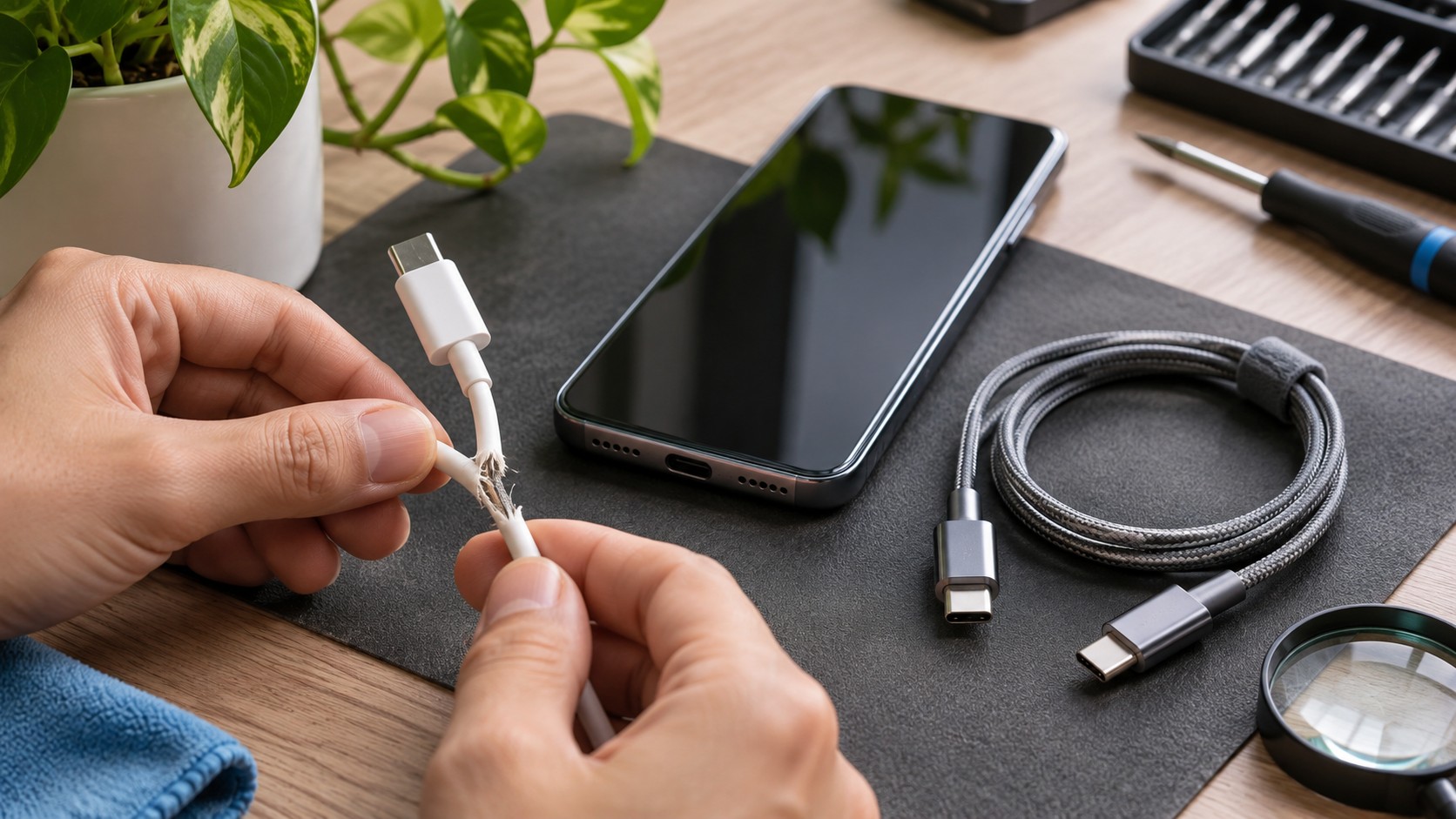
Disconnect the charger and inspect the cable under good light. Look for split insulation, bent ends, discoloration or damage near the connector. Stop using a damaged cable. Try a compatible cable and adapter that work reliably with another device, and connect them to a known-working wall outlet. Change one item at a time so you can tell which change mattered.
Avoid making the cable stay connected by bending it sharply, taping it in place or putting something heavy on the plug. That may hide the symptom while putting more pressure on the connection. If a different cable works normally, you have useful information. If several compatible cables behave the same way, the phone deserves a closer inspection.
Look without digging
A pocket or purse can expose a charging opening to debris. You can look into the port with a light, but do not poke around with a paper clip, needle or other metal tool. Do not pour cleaner into the opening. If the plug no longer seats normally, forcing it in is not a cleaning method.
A loose feeling can come from different causes. Debris may obstruct the plug, the cable end may be worn, or the connector itself may be damaged. Those possibilities cannot be reliably separated by tugging harder. Stop experimenting if you see bent parts, corrosion or a connector that moves inside the phone.
Read the message on the screen
Charging behavior also depends on the device’s settings and condition. Apple notes that charging limits can stop supported iPhones at a selected level. A temperature-related hold is another reason charging may pause. Those situations call for checking the displayed message and the manufacturer’s guidance, rather than assuming the port needs replacement.
Write down what you actually see: no charging symbol, a connection warning, charging that starts and stops, or a battery percentage that does not rise. Note whether it happens with more than one charger. A clear description is more useful than deciding in advance that the battery is bad.
Know when to stop
Unusual heat, a burning smell, swelling or visible electrical damage calls for stopping use and disconnecting power when it is safe. Do not keep testing a questionable charger. If the phone is otherwise usable, make a backup before an intermittent connection becomes a bigger inconvenience. A backup does not fix the charging issue, but it protects your options.
For Bloomington-Normal customers, Normal Gadgets lists charging-port and battery work among its smartphone services. Bring the cable and adapter that produce the problem, along with your notes. We can discuss an inspection and the next step without guessing from the symptom alone. Book a visit through our appointment page when you are ready.
Source: Official support guidance