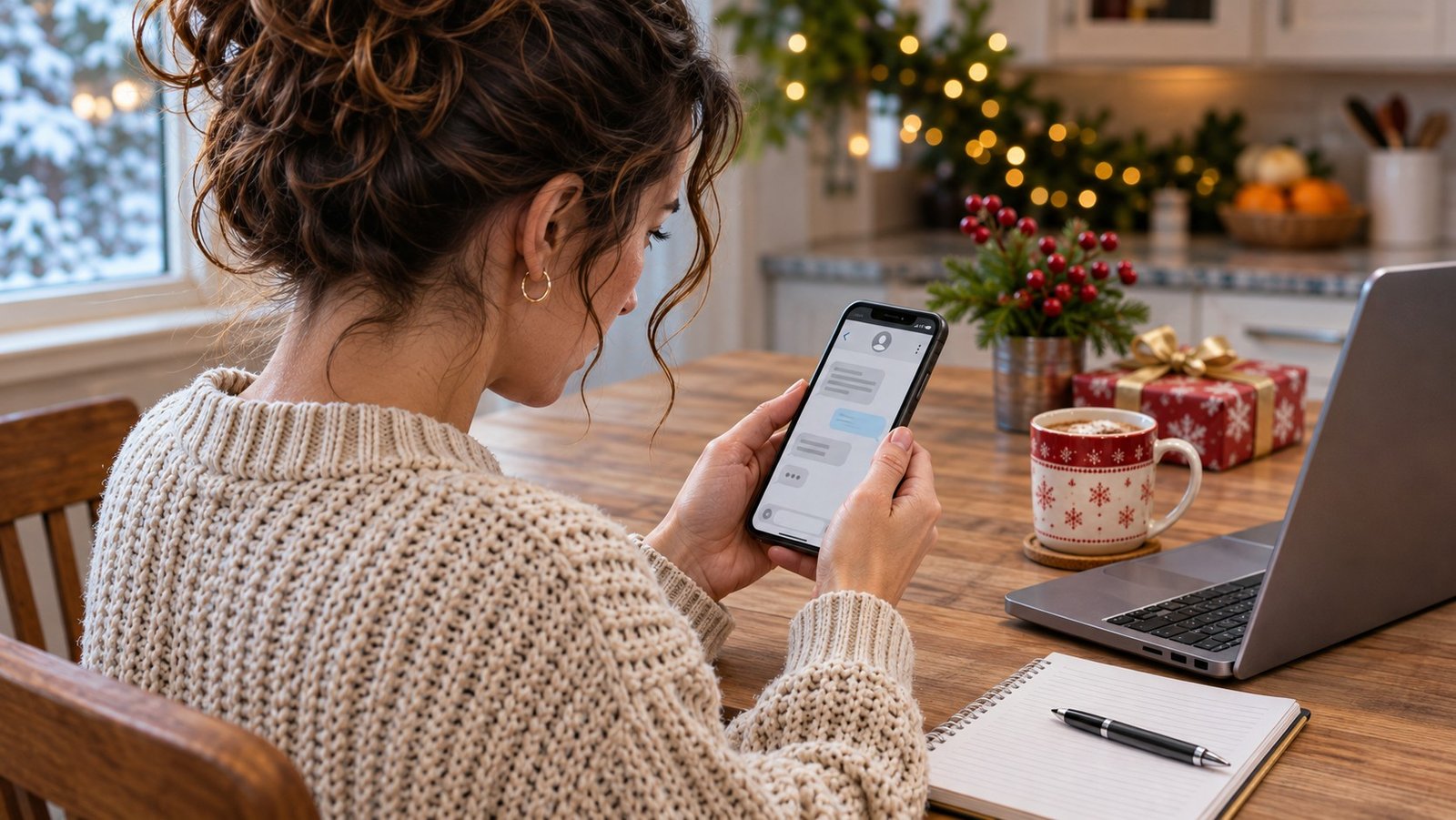
A package is delayed. A small fee is due. Your address needs correcting. During holiday shopping season, a message like that can blend into a busy day. The problem is that a convincing delivery story can also be a way to collect your password or payment information. You do not need to decide whether the text looks professional. You need an independent way to check its claim.
Step away from the message
Before tapping anything, ask whether you were expecting that delivery and whether the timing makes sense. Those questions are useful, but a matching delivery is not proof. Many people have packages coming this time of year. A scam can arrive at a moment when its story happens to fit.
Close the message and open the retailer’s app or website using your usual route. Look up the order there. If you need the carrier’s tracking page, reach it through a trusted order record or an address you enter yourself. Do not use the suspicious message as your shortcut to customer service.
Treat urgency as a reason to slow down
A countdown or threat of returning your package can push you toward a quick decision. Give yourself permission to pause. A legitimate delivery issue can be checked through the company’s actual channels. An unexpected demand for account details deserves more scrutiny than a normal tracking update.
A familiar logo, polished grammar or your name on the screen does not settle the question. Neither does a link that contains the company’s name somewhere inside it. Instead of trying to become a website investigator on a small screen, bypass the link altogether. Verification is easier when you choose the destination yourself.
If you already tapped
Tapping a link and typing in a password are different events. Think back through what happened. Did you just open a page? Did you download something, allow notifications, enter a code or submit card information? Write that down before the details blur together. Do not assume every click means the entire phone is infected.
If you disclosed a password, change it through the genuine service, especially if you reused it elsewhere. If you supplied payment information, contact the issuer through a trusted number or app. Follow the provider’s instructions. For identity-related concerns, the FTC offers recovery guidance through IdentityTheft.gov. Keep relevant records without returning to the suspicious page.
Build a family routine
A simple household rule helps: unexpected payment requests get checked outside the message. That applies even when someone is busy, tired or waiting for an important gift. Encourage family members to ask before entering information. Making room for questions is more useful than teasing someone for getting a convincing text.
The FTC describes phishing as messages designed to trick people into sharing sensitive information. Its advice supports independent verification and stronger account protection. No single visual clue catches every attempt. A repeatable checking habit works better than a growing list of supposedly foolproof signs.
Normal Gadgets can discuss device or software concerns if you are unsure what changed after a suspicious interaction. Account providers and financial institutions still handle their own account recovery. If your phone or computer needs attention in Bloomington-Normal, use our appointment page to arrange a visit.
Source: Official support guidance