Table of Contents
- Can You Put a Screen Protector on a Cracked Screen?
- Dangers of Using a Phone with a Cracked Screen
- Types of Screen Protectors: Tempered Glass vs. Flexible Film vs. Liquid Nano-Coating
- How to Apply a Screen Protector to a Cracked Screen
- Risks of Applying Protectors to Shattered Glass
- Phone Screen Repair Cost vs. Protector Investment
- When Professional Screen Repair Makes More Sense
- Frequently Asked Questions
Last Updated: August 31, 2026
Can You Put a Screen Protector on a Cracked Screen?
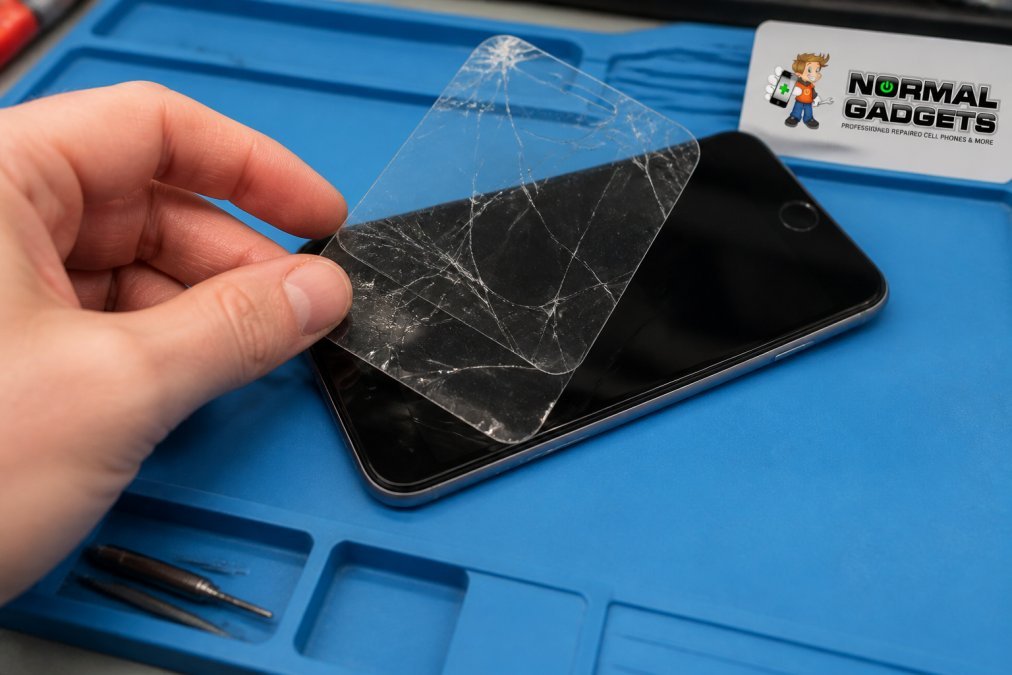
Yes, you can apply a screen protector to a cracked phone screen, but it’s not a straightforward fix. A screen protector won’t repair the damage or restore your phone’s structural integrity. What it does is prevent the crack from spreading and protect you from glass shards while you decide on your next move.
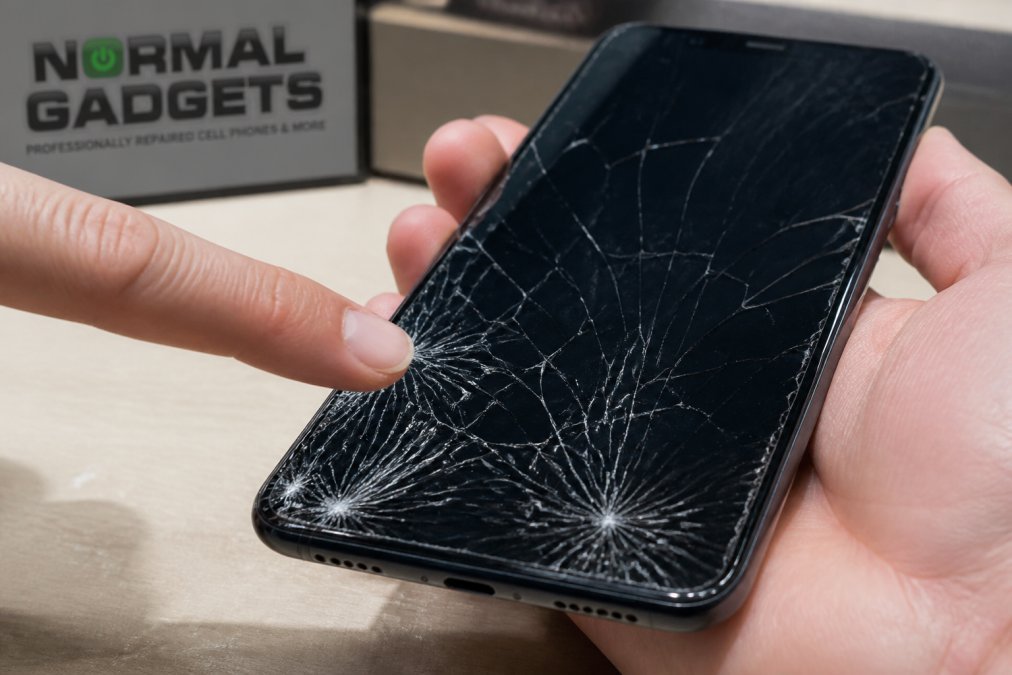
The effectiveness depends entirely on the severity of the damage. A hairline fracture across the corner? A protector can buy you time. A spiderweb pattern of cracks covering half the screen? The adhesive layer on most screen protectors struggles to bond properly to fractured glass, which means the protector may lift at the edges or fail to stay in place where the damage is worst. Screen protectors work best as prevention, not as a solution to existing damage.
Dangers of Using a Phone with a Cracked Screen
Operating a phone with a cracked screen exposes you to risks that go beyond aesthetics. The damage compromises your device’s structural reinforcement and creates safety hazards most users don’t anticipate.
Safety Hazards from Glass Shards
A cracked screen is a physical danger. Tempered glass breaks into small, sharp fragments that can cut your fingers, hands, and face as you use the device. These shards may be invisible in hairline fractures where the glass hasn’t fully separated. A second drop can cause existing cracks to propagate rapidly, turning a manageable fracture into a shower of glass debris. If you’re holding the phone near your face during a call, the consequences are immediate and painful.
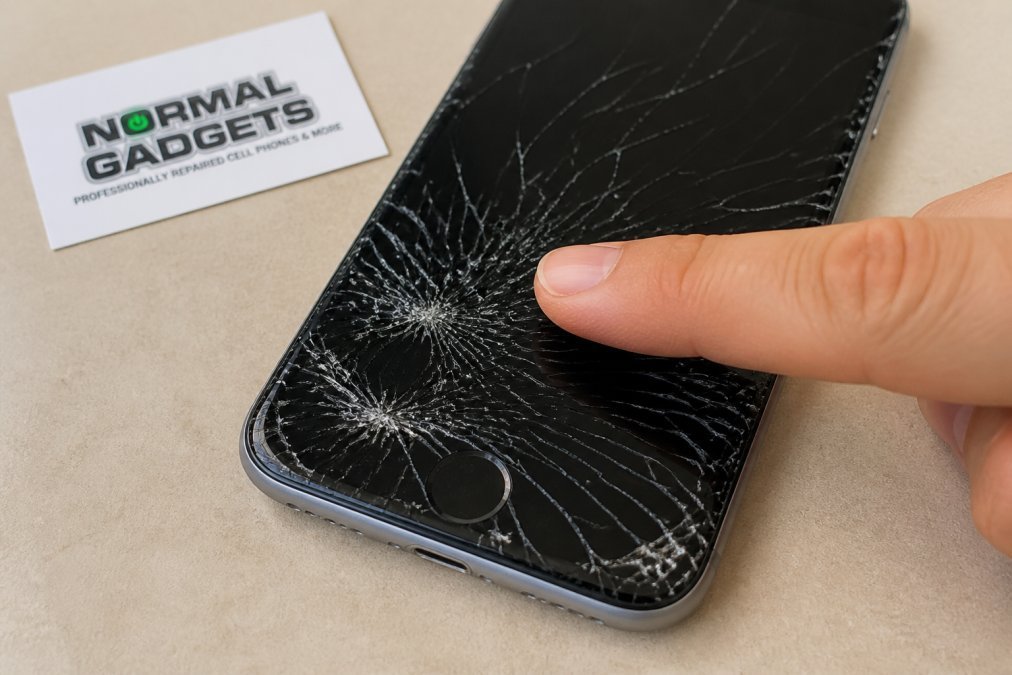
Dust, dirt, and moisture can work their way into the gaps created by the crack, settling between the glass and the digitizer beneath. This contamination can cause the touch sensor to malfunction or corrode internal components over time.
Impact on Digitizer and Touch Sensitivity
The digitizer is the layer beneath your screen that detects touch input. When your screen cracks, the impact often damages the digitizer as well, leading to erratic touch sensitivity, phantom touches, or dead zones where the screen won’t respond to input. Typing becomes impossible if the keyboard area is unresponsive. Gaming becomes frustrating. Even simple tasks like unlocking your phone or answering calls become unreliable.
The longer you wait to address the damage, the worse the digitizer deterioration becomes. Moisture and debris continue to accumulate, and the electrical connections within the touch sensor degrade.
Types of Screen Protectors: Tempered Glass vs. Flexible Film vs. Liquid Nano-Coating
Not all screen protectors are created equal. Each type offers different levels of protection, different application methods, and different performance characteristics.
Tempered Glass Protectors
Tempered glass screen protectors are the most popular choice for smartphones. They’re rigid, durable, and provide excellent scratch resistance and impact absorption. Products like the ZAGG InvisibleShield Glass Elite+ deliver 8x stronger protection than basic glass, with an oleophobic coating that resists fingerprints and smudges. Installation typically uses a 2-step alignment system designed for bubble-free application.
The main advantage is optical clarity, the protector is virtually invisible once applied. The downside is that tempered glass is brittle and can crack under impact. For a cracked screen specifically, tempered glass presents a challenge. The adhesive layer needs a smooth, intact surface to bond properly. A cracked screen has gaps and uneven surfaces where the glass has fractured, making it difficult for the adhesive to achieve full coverage.
Flexible Film Protectors
Flexible film protectors use thin plastic material instead of glass. The Spigen NeoFlex uses a wet installation method where you apply liquid to the screen, position the protector, and squeegee out bubbles. This approach works especially well on curved screens and irregular surfaces.
The key advantage is that flexible film adapts to irregular surfaces. If your screen has minor cracks or uneven damage, the film can conform to those imperfections better than rigid glass. Self-healing technology means minor scratches on the protector surface can fade over time.
For cracked screens, flexible film is a better option than tempered glass because it can conform to the damaged surface more effectively. The wet installation method also allows you to work around cracks and gaps, filling them with adhesive that hardens as it cures.
Liquid Glass and Nano-Coating Solutions
Liquid glass and nano-coating products create a molecular bond with your existing screen, hardening the glass to a 9H level of hardness. Liquipel Liquid Glass uses nano-shock technology to create an invisible protective layer. Both products are universal and work on any device with a glass screen.
The major advantage is invisibility, there’s no bubble risk, no lifting edges, no optical distortion. However, liquid coatings don’t provide a physical barrier against direct impact. For a cracked screen, liquid glass has a unique benefit: it can stabilize minor cracks by filling the fracture lines with hardened nano-coating. This won’t repair the crack visually, but it can prevent the crack from spreading further.
How to Apply a Screen Protector to a Cracked Screen
Applying a screen protector to a cracked screen requires more preparation than applying one to intact glass.
Assessment and Preparation
Before you start, assess the extent of the damage. Focus on screens with hairline fractures, corner cracks, or localized damage. The more extensive the damage, the less effective any protector will be. professional repair costs.
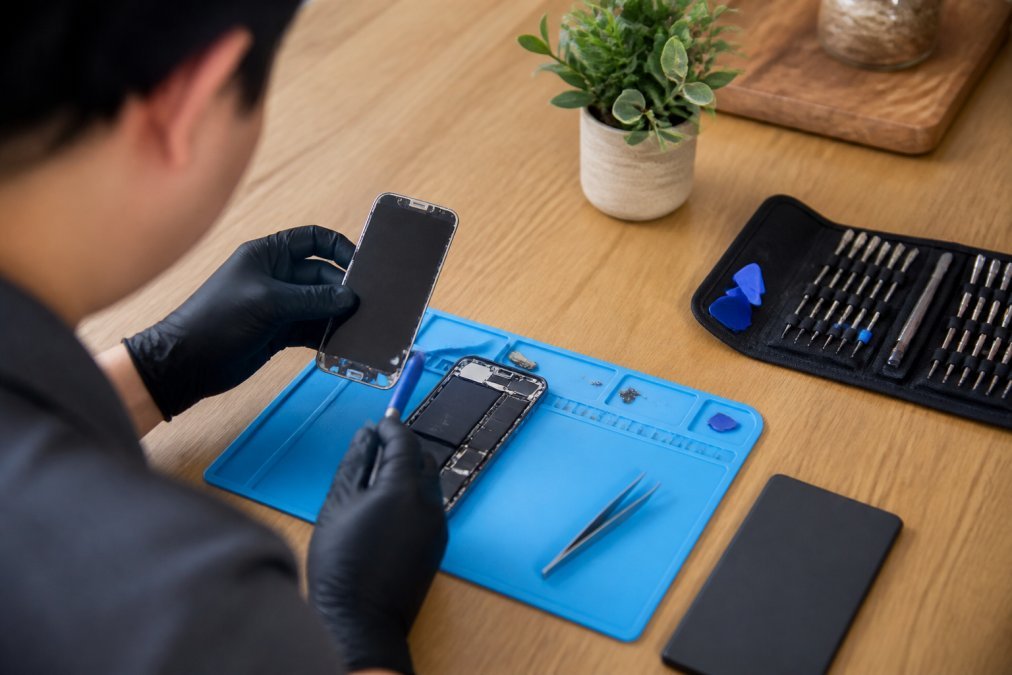
Clean the screen thoroughly using a microfiber cloth to remove dust, debris, and fingerprints. For cracked screens, this step is critical because dust and dirt can become trapped in the fracture lines, preventing the adhesive from making proper contact. If your screen has visible glass shards, use a soft brush or compressed air to dislodge them carefully while wearing gloves.
For tempered glass protectors, consider a dry installation method rather than wet. For flexible film or liquid coatings, the wet installation method is preferable for cracked screens because the liquid adhesive can flow into gaps and cracks, creating a more complete bond.
Step-by-Step Application Process
Step 1: Position the alignment frame. If your protector comes with an alignment frame, position it carefully over your phone. Take your time with this step, misalignment is the most common reason for application failure.
Step 2: Apply the adhesive. For dry application, peel back a corner of the protector and carefully position it on the screen, starting at the top. For wet application, spray the adhesive solution onto the screen or the back of the protector, depending on product instructions.
Step 3: Smooth out bubbles and ensure contact. Use a squeegee or soft cloth to push out air bubbles, working from the center outward. For cracked screens, take extra time in the damaged areas, working the squeegee over the fractures multiple times to ensure the adhesive fills the gaps.
Book Consultation/Appointment →
Step 4: Allow curing time. Most protectors cure within 24 hours. Avoid using your phone during this period.
Step 5: Test touch response. Once cured, test the touch sensitivity across the entire screen, paying special attention to areas around the damage.
Maintaining Touch Sensitivity After Application
If you notice dead zones or erratic touch response, try recalibrating the touch sensor through Settings > Developer Options. Most phones have a touch calibration tool that can help the digitizer compensate for the protector’s presence. Check whether the protector is lifting by running your finger around the edges and over damaged areas. Be patient, some touch sensitivity issues resolve themselves after a few days as the adhesive fully cures.
If touch sensitivity remains poor after a week, the protector isn’t the right solution. This often signals that the digitizer itself was damaged in the impact that cracked the screen.
Risks of Applying Protectors to Shattered Glass
When your screen damage goes beyond a simple crack into full shattering, applying a protector becomes genuinely risky. A shattered screen has countless fracture lines and gaps. The adhesive can’t flow into all of them, and the protector will lift in multiple places, creating pockets of air where dust and moisture can accumulate.
If your screen is already shattered and you apply a rigid tempered glass protector on top, a subsequent impact might cause both layers to shatter simultaneously, creating a much larger volume of glass shards. Gaps between the protector and shattered screen also allow water and humidity to seep through, corroding the digitizer and internal circuitry.
If your screen is truly shattered, not just cracked, professional screen repair or replacement is the only safe option.
Phone Screen Repair Cost vs. Protector Investment
A quality tempered glass protector typically costs less than $50, while flexible film protectors run $20-$35. Liquid glass coatings fall in the $30-$40 range. These are one-time investments that protect against future damage, but they don’t fix existing cracks.
Professional screen repair costs vary depending on your device model and damage extent. For recent flagship phones, repair costs range widely based on parts and labor.
The question to ask yourself: Is the protector buying you time until you can afford professional repair, or are you just delaying the inevitable? If your phone is still usable despite the crack and touch sensitivity is acceptable, a protector can extend the life of your device for weeks or months. But it’s not a permanent solution.
When Professional Screen Repair Makes More Sense
Professional repair becomes the better choice when your cracked screen is affecting usability, safety, or the long-term health of your device.
Professional repair makes sense if your screen damage is extensive enough that a protector won’t bond properly. If you have multiple cracks, shattered glass, or damage covering more than 25% of the screen, a protector is unlikely to stay in place or function reliably. A professional technician can replace the screen entirely, restoring full functionality and eliminating the safety hazard.
Professional repair also makes sense if your digitizer is damaged. If you’re experiencing touch sensitivity issues, dead zones, or phantom touches, the problem likely goes deeper than just the glass. Only replacement will fix digitizer damage.
Speed and reliability are other factors. Normal Gadgets completes many screen repairs in 2-48 hours, which means you can often have a fully functional phone back the same day. When you take your phone to a professional repair shop, you’re trusting them with access to your device. Normal Gadgets maintains strict privacy policies and secure device handling procedures. Our WISE Certified technicians and Apple and Samsung Independent Repair Provider status mean your device is handled according to nationally recognized standards. You can book a free visual diagnostic to assess your damage before committing to repair.
The choice between a screen protector and professional repair ultimately depends on the severity of your damage, your budget, and how long you can tolerate a compromised device. A protector buys you time and prevents further damage, but it’s not a cure. When your screen is significantly damaged, when touch sensitivity is suffering, or when safety is a concern, professional repair is the investment that actually solves the problem.
WISE Authorized Service Provider standards
Apple Independent Repair Provider program guidelines
Samsung electronics repair certification requirements
Frequently Asked Questions
Is it safe to put a screen protector on a cracked screen?
Applying a screen protector to a cracked screen is generally safe, but effectiveness depends on crack severity. Hairline fractures and minor cracks can be stabilized by a protector, which prevents glass shards from becoming loose and adds structural reinforcement. However, deep spiderweb cracks or shattered glass may not benefit from a protector alone. For severe damage, professional screen repair is more effective than any protector. Always assess the damage carefully before attempting application.
Will a screen protector stop further cracking on a damaged phone screen?
A screen protector can help prevent further cracking by absorbing minor impacts and distributing stress across the protective layer rather than the damaged glass beneath. However, protectors are preventive, not curative, they won’t repair existing cracks, only slow their progression. For maximum protection, pair a quality protector with a protective phone case that absorbs impact. If cracks continue spreading despite protection, professional repair becomes necessary to prevent complete digitizer failure.
What’s the best screen protector for a phone with existing cracks?
For cracked screens, choose based on crack severity. For hairline fractures, liquid glass protectors create an invisible nano-coating that strengthens the screen without adding bulk. For deeper cracks, flexible film protectors prevent glass shards from falling out while maintaining touch sensitivity. Tempered glass options provide solid impact protection but work best on flat-screen devices with minor damage. Assess your crack type before selecting a protector.
How much does professional screen repair cost compared to buying a protector?
Screen protectors cost between $8 and $45 depending on type and brand, while professional screen repair costs vary depending on device model and damage severity. A protector is a temporary stabilization solution, not a repair, it won’t restore full functionality if the digitizer is damaged. If your cracked screen causes touch sensitivity issues, dead zones, or severe visual impairment, professional repair is more cost-effective long-term because it restores the device to working condition. For minor cosmetic cracks with no functional impact, a quality protector extends device life affordably. Contact Normal Gadgets for a free visual diagnostic to determine whether repair or protection is your best option.