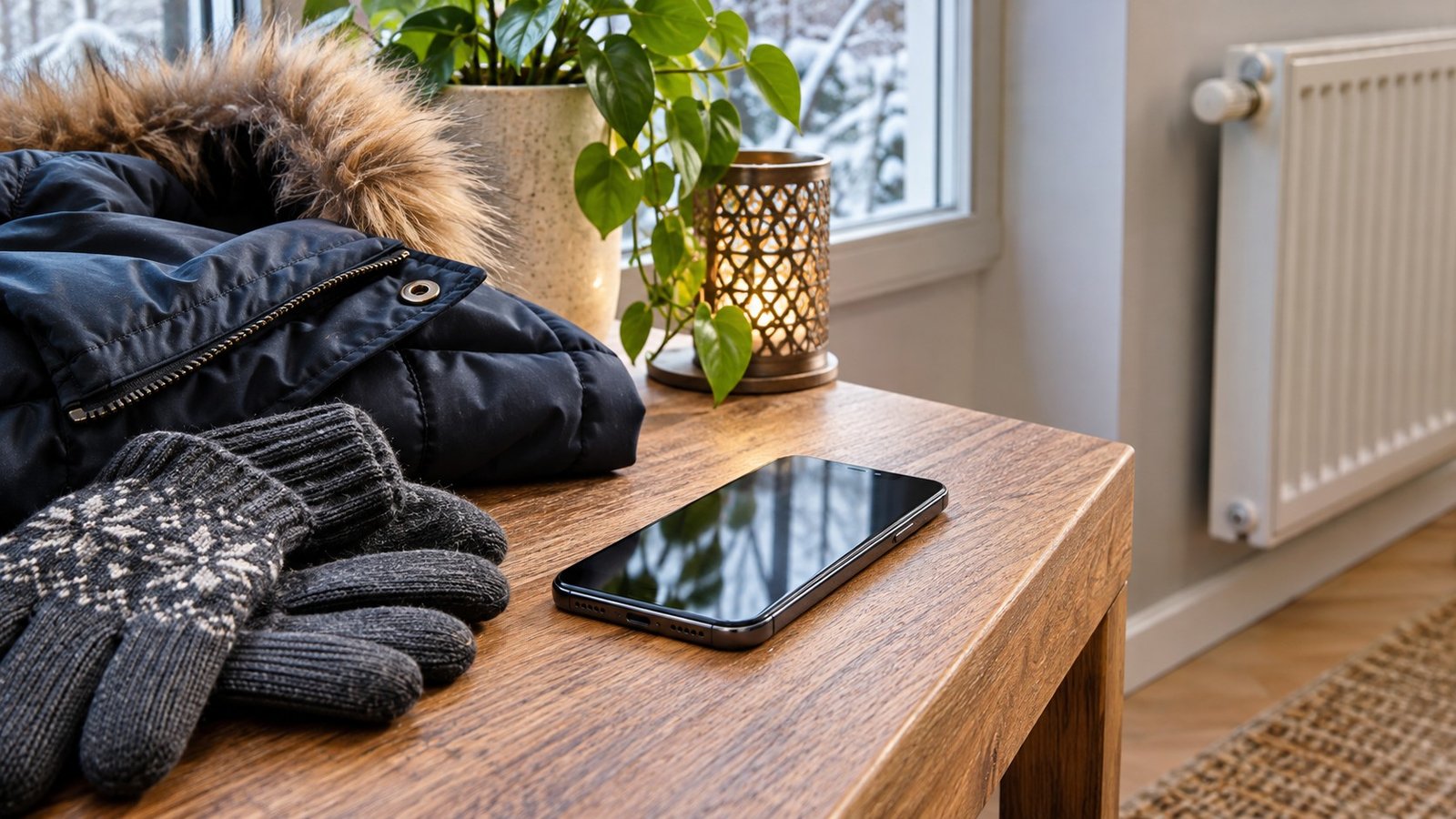
A phone that seemed fine indoors can behave differently after time outside on a cold Illinois day. The battery may appear to drain faster, the phone may shut down, or charging may pause. That is frustrating when you need directions or a ride home, but it does not automatically mean the battery has permanently failed. Temperature is part of the picture.
Give the device a normal indoor environment
If your phone has become very cold, bring it indoors and let it return toward a normal temperature naturally. Do not put it on a radiator, aim a hair dryer at it or use another intense heat source to hurry the process. A phone is not something to thaw like a frozen pipe.
Keep the device away from wet surfaces and inspect it before connecting power. Snow, slush and moisture deserve their own attention. If a moisture warning appears, follow the manufacturer’s guidance for that warning rather than treating it as a simple cold-battery problem. Different warnings can require different steps, even if they appear after the same outdoor trip.
Read what the phone tells you
Apple explains that very cold conditions can temporarily affect battery life and cause a device to turn off. It also describes charging pauses when an iPhone or iPad becomes too hot or too cold. A temperature-related charging message gives you a useful reason to pause and let conditions improve before trying again.
Do not assume every charging stop is temperature-related, though. A damaged cable, poor connection or another fault can produce its own symptoms. Look at the actual message and note whether the problem occurs only after cold exposure or also at ordinary indoor temperatures. That difference helps guide the next conversation.
Plan for the time outdoors
Before a longer outing, charge the phone under normal conditions and think about how you will use it. Avoid leaving it in a parked vehicle while you are indoors. Manufacturer operating and storage guidance matters, and a car is not a controlled environment. Keep the phone protected from weather without using a setup that creates another hazard.
If you depend on the device for transportation or contacting family, have an alternative plan. Write down an important number, arrange a meeting point or let someone know your schedule. Those practical steps do not require a special app. They simply reduce the inconvenience if your phone becomes temporarily unavailable.
Look for a pattern after it warms up
Once the device has returned to a normal environment, notice whether it resumes ordinary behavior. A single cold-weather incident and repeated indoor shutdowns should not be treated as the same problem. Record the circumstances, the battery reading and any message. Avoid repeatedly draining the phone just to see whether it will fail again.
A device that remains unreliable deserves attention even if the first incident happened outdoors. Swelling, unusual heat or visible damage is also a reason to stop using it and seek help. Weather can be relevant without explaining every symptom. Clear notes are more useful than deciding the battery must be replaced before an inspection.
Normal Gadgets services smartphones and batteries in Bloomington-Normal. If your phone keeps shutting down or has charging trouble indoors, arrange a visit through our appointment page. Bring the charger involved and tell us when the behavior started. We can discuss the next step based on the pattern you are seeing.
Source: Official support guidance